
Turn Listing Photos Into Scroll‑Stopping Videos For Local Agents And Car Dealers
Every home and car listing already has photos. Most still have no video. Listing Lab shows you how to turn those photos into a short, Reels-ready listing video with AI, offer it with a permission-first preview, then price it, deliver it and keep clients coming back.
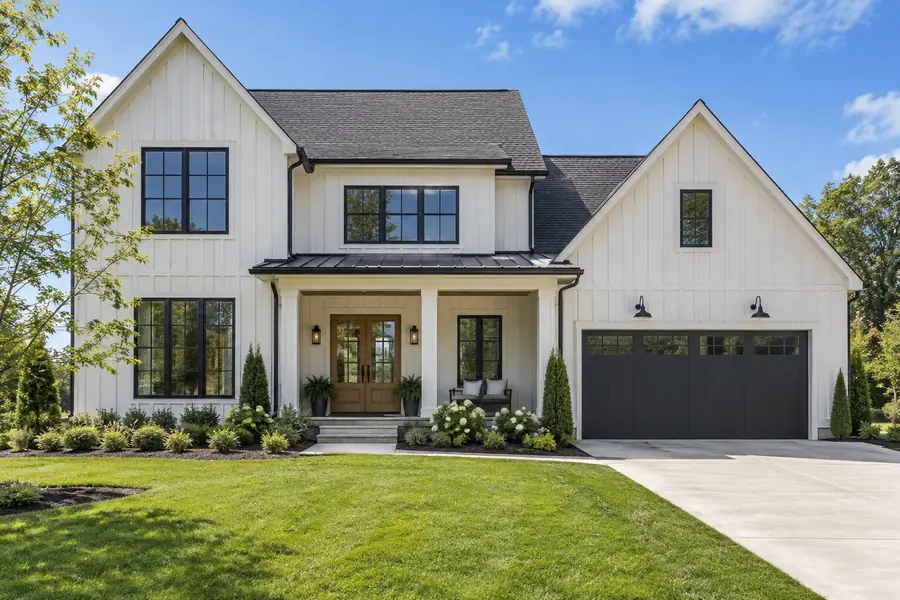 The listing photo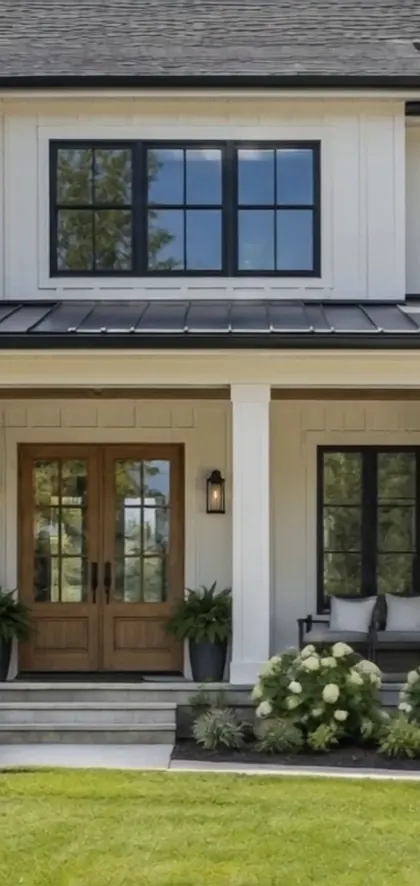
One still photo, one slow camera move, a vertical reel ready for Instagram, Facebook and TikTok. Demo made from our own AI photos.
Agents and dealers know they need video.
Most listings still have none.
Buyers scroll short video every day. Yet most homes and cars still go online with a gallery of still photos and nothing that moves.
of US home sellers say their agent marketed the home with video.
National Association of Realtors survey dataOnly 38% of live vehicle listings include video, according to US auto marketing leaders.
Phyron-commissioned survey of 250 US auto marketing leaders (Phyron sells vehicle video software)Australia's realestate.com.au app shows vertical property walkthrough reels on its home screen. The portals are moving to video.
Reported by Elite Agent, Australian real estate trade pressSo why is there no video?
It is not that agents and dealers do not want it. It is that video has always meant a shoot: booking a videographer, waiting for the edit, paying for it on every listing. For a busy agent with a new listing, or a dealer with fresh stock arriving every week, that rarely happens.
So the photos get taken, uploaded once, and that is it. The photos are already sitting there. Nobody has turned them into something that moves.
That is the gap Listing Lab teaches you to fill.
You take the photos a listing already has, turn them into a short vertical video with AI, and hand it back ready to post. No shoot to book, no camera, no crew.
The photos already exist.
The video does not.
Today's AI video tools can take one still photo and add a slow, smooth camera move: a push-in to the front door, a glide across the living room, a turn around a parked SUV. Stitch a handful of those together and you have a listing video made without filming anything.
The skill is not pressing a button. It is choosing the right photos, keeping walls and wheels looking real, cutting a clean vertical reel with captions, and delivering a branded version for social plus an unbranded version for MLS and portal tour fields. That is what agents and dealers pay a professional to handle.
 Frame from a 5 second AI clip
per video. The agent uploads the photos and does the work.
per video. Someone else picks the photos, makes the video and delivers it ready to post.
per listing, plus booking a shoot and waiting for the edit.
Published US market prices from listing video providers and pricing guides. They show what agents already pay for listing video. They are not a prediction of what you will charge or earn.
Photo-to-Video + Permission-First Preview
Three steps. The same steps work for a three-bed house and a used pickup truck.
Make the video from photos
Pick the strongest photos, give each one a single slow camera move, and stitch the clips into a 30 to 45 second vertical reel.
- One move per photo, 3 to 8 seconds each
- Realism rules so walls stay straight and cars stay accurate
- Two exports: branded for social, unbranded for MLS and portals
Ask first, then preview
Your first message is a question, not a pitch: may I make a free, watermarked 10 to 15 second preview of one of your listings? You only make it after a yes.
- Permission-first preview from their photos, after a yes
- Own-demo preview from photos you own, no permission needed
- Word-for-word scripts for email, DM and in person
Price, deliver, repeat
Set your price with the calculator, deliver with an AI disclosure label, and turn one video into a regular arrangement.
- Per listing for solo agents
- Monthly batches for teams and dealers with stock turning over
- Delivery and review steps that keep clients coming back

Hi, I'm David. I will walk you through every step inside your members area, from your first test clip to your first permission-first message. Written lessons, copy-paste prompts and scripts, and checklists you can follow at your own pace.
One still photo in. A moving shot out.
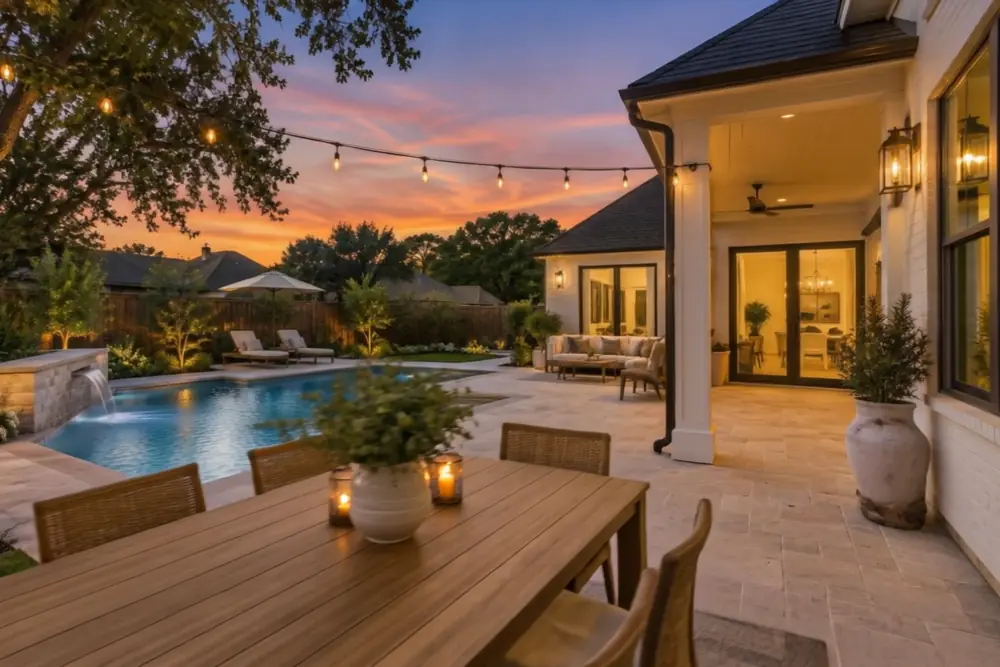
These are real outputs from the method: each listing photo below was given one slow camera move with an AI video model. Left is the photo, right are frames from the clip.
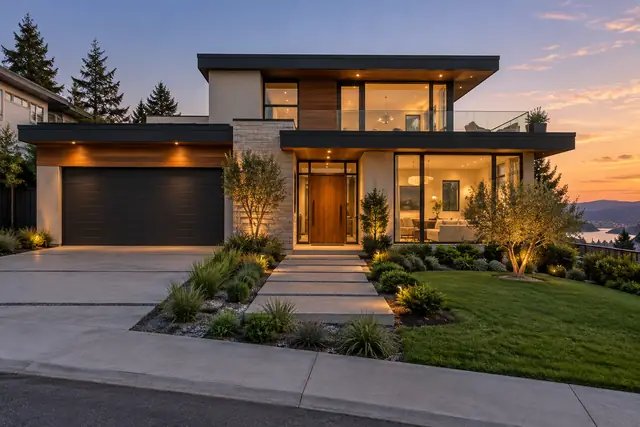 Photo
Photo 0s
0s 2.5s
2.5s 5s
5s Photo
Photo 0s
0s 2.5s
2.5s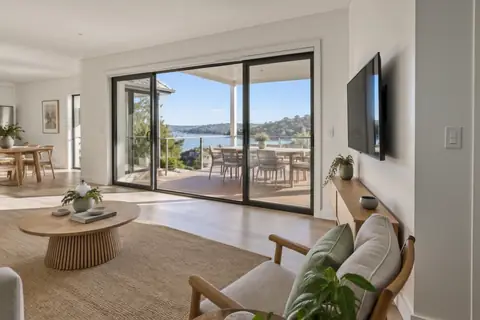 5s
5s Photo
Photo 0s
0s 2.5s
2.5s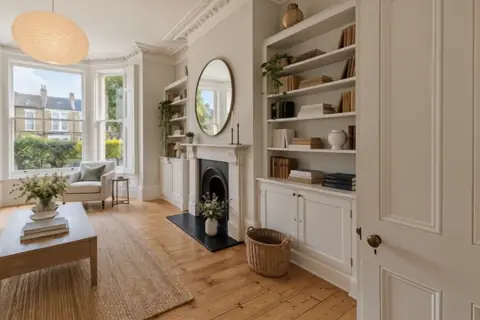 5s
5s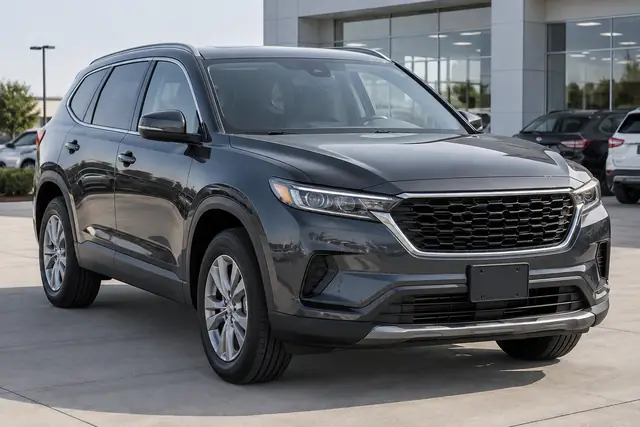 Photo
Photo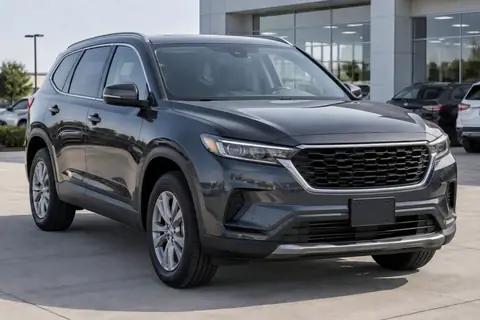 0s
0s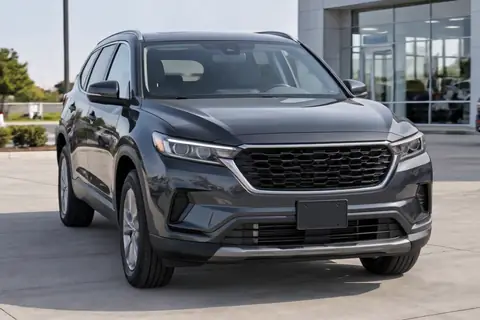 2.5s
2.5s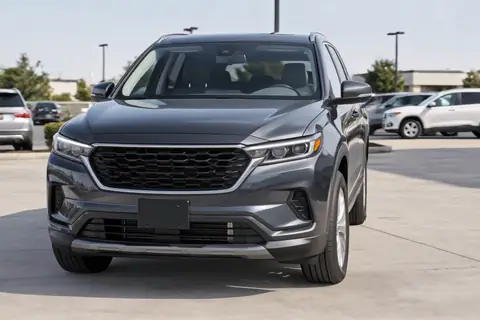 5s
5sSample home reelVertical, captioned, ready to post
Sample dealer reelSame method, a car instead of a house
Every sample on this page was made by us from AI-generated photos we own. They are demos, not real listings. When you make videos for clients, Listing Lab shows you how to label them as AI video.
Everything you need to offer your first listing video
Written lessons and ready-to-use downloads, all in your members area the moment you join.
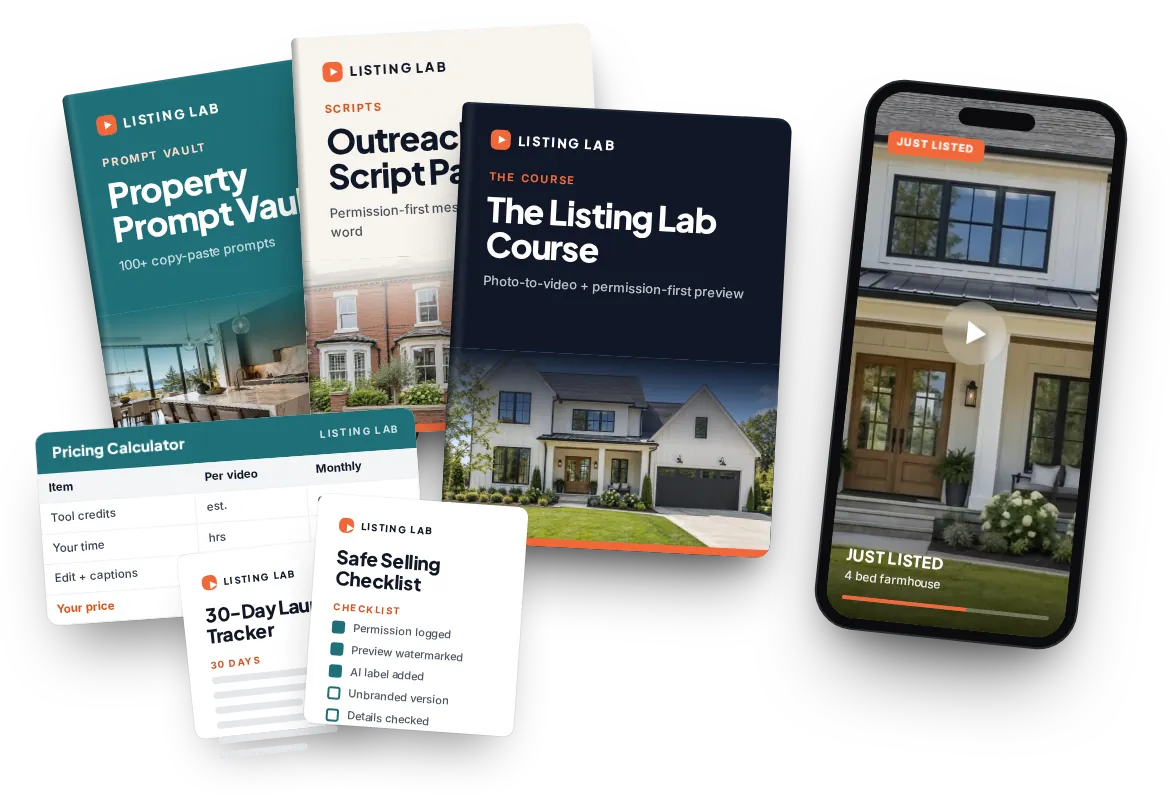
The Listing Lab Course Value $97
The full method in plain steps: how photo-to-video works, picking photos, the one-move rule, stitching a reel, the permission-first preview, pricing, delivery and keeping clients.
Property Prompt Vault Value $47
100+ copy-paste prompts for exteriors, living spaces, kitchens, bedrooms, bathrooms, gardens and twilight shots, plus car starter prompts and fix prompts for clips that warp. Written to work across Kling, Veo, Runway, Higgsfield and Seedance.
Outreach Script Pack Value $37
Word-for-word permission-first messages and follow-ups for email, DM and walking into an office or lot, with notes on staying within email rules in the US, UK and Australia.
Pricing Calculator Value $27
A spreadsheet that works out a per-video and monthly price from your tool costs, your time and the market price ranges, so you never guess.
Tool Picks Value $17
Which AI video tools to use for interiors, exteriors and cars, what their free tiers allow, and which plans permit commercial use. Dated so you know when it was last checked.
Safe Selling Checklist Value $17
Photo permission, AI disclosure, unbranded MLS versions, fair housing wording and accurate car details on one page. Not legal advice, just the habits that keep you clean.
30-Day Launch Tracker Value $17
A day-by-day plan from your first test clip to your first permission-first messages, with a place to log every prospect and reply.
Yours to keep Included
One payment. No membership, no renewal. Log in to your members area whenever you need a prompt, a script or a checklist.
Want more for dealers or client paperwork? Two optional add-ons are offered at checkout: the Car Dealer Pack and the Client Kit.
Built for people who want a real, local service skill
You have a 9-to-5
You want one specific skill you can practise in the evenings and batch at weekends, not another vague "use AI" idea.
You hate selling
The first message is a polite question with something useful behind it. No cold calls needed to get started. You still have to reach out, and we show you how.
You already play with AI video
You make clips in Kling, Veo or Higgsfield for fun. This gives those skills a paid use case and prompts that keep walls straight.
You are close to the industry
New agent, ex-car sales, photographer or virtual assistant. Add video to the listings and lots you already know.
You are changing careers
Or semi-retired. A respectable service for real local businesses that you can explain to anyone, taught step by step.
No camera. No face. No editing background.
Everything starts from photos that already exist.
You never appear in anything you make.
Simple, step-by-step stitching and captions.
Messages first. Calls only if a client wants one.
A short message and a preview are enough to begin.
You make marketing videos. You do not sell the homes or cars.
Practise on free tiers. Pay for one plan once a client says yes.
You work one to one with local businesses.
Why an agent or dealer would say yes to you
Agents and dealers have options. Here is honestly how a photo-to-video service compares from their side of the desk.
Videographer
- Typical market price
- About $300 to $1,500 per listing
- What it takes
- Book a shoot, be on site, wait for the edit
- Who does the work
- The crew
- Fits every listing?
- Rarely, the cost adds up fast
Self-serve apps
- Typical market price
- About $10 to $25 per video
- What it takes
- Learn the tool, upload, tweak, export
- Who does the work
- The agent or dealer
- Fits every listing?
- Only if they keep doing it themselves
Your photo-to-video service
- Typical market price
- Done-for-you AI video sells for about $99 to $350; you set your own price
- What it takes
- They send photos, you send back a finished reel
- Who does the work
- You
- Fits every listing?
- Yes, including the ones a shoot never made sense for
Prices are published market ranges, shown so you understand the landscape. Some agents will always do it themselves. Listing Lab teaches you to find the ones who would rather not.
Get Listing Lab today for $27
One payment. Instant access. Everything below is waiting in your members area.
Listing Lab
- The Listing Lab Course ($97 value)
- Property Prompt Vault, 100+ prompts ($47 value)
- Outreach Script Pack ($37 value)
- Pricing Calculator ($27 value)
- Tool Picks ($17 value)
- Safe Selling Checklist ($17 value)
- 30-Day Launch Tracker ($17 value)
One-time payment. No subscription. Instant access.
Try it for 180 days. Love it or get your money back.
Read the lessons, make your first clips, send your first permission-first messages. If at any point in the next 180 days you decide Listing Lab is not for you, contact support and ask for a refund. You get a full refund.
We can offer that because the product speaks for itself. You see exactly what you get the moment you log in.
Straight answers
Is it legal to make videos from an agent's or dealer's listing photos?
Listing photos usually belong to the photographer, and the agent or dealer has permission to use them. That is why Listing Lab never tells you to take photos and send unrequested videos. You ask first and only make a preview after a yes, or you send an own-demo made from photos you own. When someone becomes a client, they confirm in writing that they have the right to the photos. This is careful practice, not legal advice.
What is the "permission-first preview"?
A short, friendly message asking if you may make a free, watermarked 10 to 15 second preview of one of their listings, sent only to them. If they say yes, you make it. If they say no or do not reply, you move on. The alternative is an own-demo preview: a sample from photos you own or have licensed, plus a line offering to do the same for their listing.
Can't agents just do this themselves with an app?
They can, and some will. Self-serve apps cost about $10 to $25 per video. But most listings still have no video, because the agent has to learn the tool, pick photos, fix the motion, write captions and export the right versions. Many would rather hand it to someone. You are selling convenience, speed and a Reels-ready result, not "AI".
I'm not techy. Can I really do this?
If you can copy and paste text and upload a photo, you can follow the lessons. Every step is written out, the prompts are ready to paste, and the checklists tell you what good looks like. Expect a few practice clips before you are happy with the result. That is normal and the course plans for it.
I hate selling. Do I have to cold call?
No cold calling is needed to start. Your first message is a polite question with something useful behind it. You do still need to reach out to agents and dealers, one to one. Listing Lab gives you the exact words, how to follow up once, and when to stop.
Do the AI video tools cost money?
Most have a free tier you can practise on, but free outputs are usually watermarked and some free plans do not allow commercial use. So: practise free, then pay for one entry-level plan once a client says yes. The Tool Picks sheet shows which plans allow commercial use and when it was last checked.
Won't AI video look fake?
It can if you push it. Big, fast moves are where AI starts to bend walls and change wheels. Listing Lab teaches camera motion only: one slow move per photo, no invented rooms, views or features, and a quality check against the original photo before anything is delivered. Some clips will need a second try, and the course shows you how to spot them.
Will people know it is AI? Should they?
Yes, and that is fine. Several AI tools mark their output, and some areas require AI or altered media to be labelled. Listing Lab teaches you to label videos openly as AI video made from listing photos. Honesty is part of what makes the service easy to trust.
Does it work outside the US?
Yes. The method is the same for realtors in the US, estate agents in the UK and agents in Australia, and for car dealers everywhere. Where the rules differ, such as MLS fields in the US, portals like Rightmove and realestate.com.au, and email rules in each country, the lessons point out the difference.
Does it cover car dealers?
Yes. The course teaches the method for homes and cars, including keeping badges, wheels and colours accurate, and the Prompt Vault includes car starter prompts. If dealers are your main focus, the optional Car Dealer Pack at checkout adds a dealer playbook, 75 vehicle prompts, dealer scripts, an inventory batch workflow and dealer pricing.
Can the videos go on the MLS or Zillow?
Many MLSs have a virtual tour field that accepts unbranded video, which is why you deliver an unbranded version as well as a branded one. Rules vary by MLS, and some portal features only accept media from the listing's own photographer. We do not claim any MLS or portal approves these videos. The course shows you how to check and where social posting fits best.
How much money will I make?
We do not promise any income, and you should be wary of anyone who does. Results depend on your effort, your market and your outreach. What we can show you are the published prices agents and dealers already pay for listing video, and a calculator to set your own price.
Is this a membership? What exactly do I get?
No membership. One payment of $27 gives you the written course and all six downloads in your members area. Nothing renews.
What if it is not for me?
You are covered by the 180-Day money-back guarantee. Contact support within 180 days and you get a full refund.
The next listing on your street will most likely go live with photos only. You could be the one who makes it move.
Learn the method, practise on your own demo, then send your first permission-first preview when you are ready.